Category: Computation

  • Email

    Email

    When one is sending e-mail to specified recipients, one is pushing one’s message to others. The intended recipients may (a) welcome your message (b) defer to check your message (c) may ignore your message (d) flag your message as “junk” …

    Some e-mail systems send acknowledgement for important messages. Some may ask you to verify for the first time. E-mail systems may maintain “Black lists” and “White lists”.

    Some have multiple e-mails either with different email providers (e.g. Gmail and Yahoo mail) or even with a single email (e.g. one for private, another for business).

    Some email systems provide encryption.

    In one of my jobs, we could not specify sensitive information in e-mails.

    Do not assume that your deleted e-mail is gone forever. There is logical deletion and physical deletion. Even with physical deletion, copies of the e-mail may still linger in one or more mail servers and backup devices.

    Email providers will scan your e-mail (e.g. using AdSense or a Recommended System) to offer you targeted advertisements.

    U Khin Maung Zaw (KMZ, EC76) wrote :

    (1) One of the surprises we discovered while on an IBM mainframe system is that a small file which keep track of the email system had the heaviest activity. Part of this small checked the flags, like who in your distribution list had seen/viewed your message. We then acquired a SSD, Solid State Device, mainly for passing files and this email network file on SSD, and saw the high improvement in the overall performance.

    Heard from the grapevine that, later email systems attempted as such but it did not scale well as the user population exploded.

    (2) One of my directors at the time proudly let his subordinates know that he had no more than 20 messages in his inbox at any given time. Of course, he spent some time deleting them as they came in,

    (3) In my last company, email system had come very close to abuse, thousand or more messages a day, and people spent hours a day just for going through daily mails, this is even with the files. There are many times that you could even go through messages from immediate manager.

    Many of these messages originated from plethora of monitoring systems, hardware/infrastructural /applications, drove people nuts.

    (4) When we first started in my last company, in late 90s, everyone (not in the executive levels) had the inbox size of 20MB. It became minuscule as soon as we had, notifications came every day to remove/archive the old messages. In the mid-2010s the inbox size was at 250MB, that’s in Office365.

  • Threes

    by Hla Min

    Updated : May 2925

    Several in the photos are GBNF (Gone But Not Forgotten).

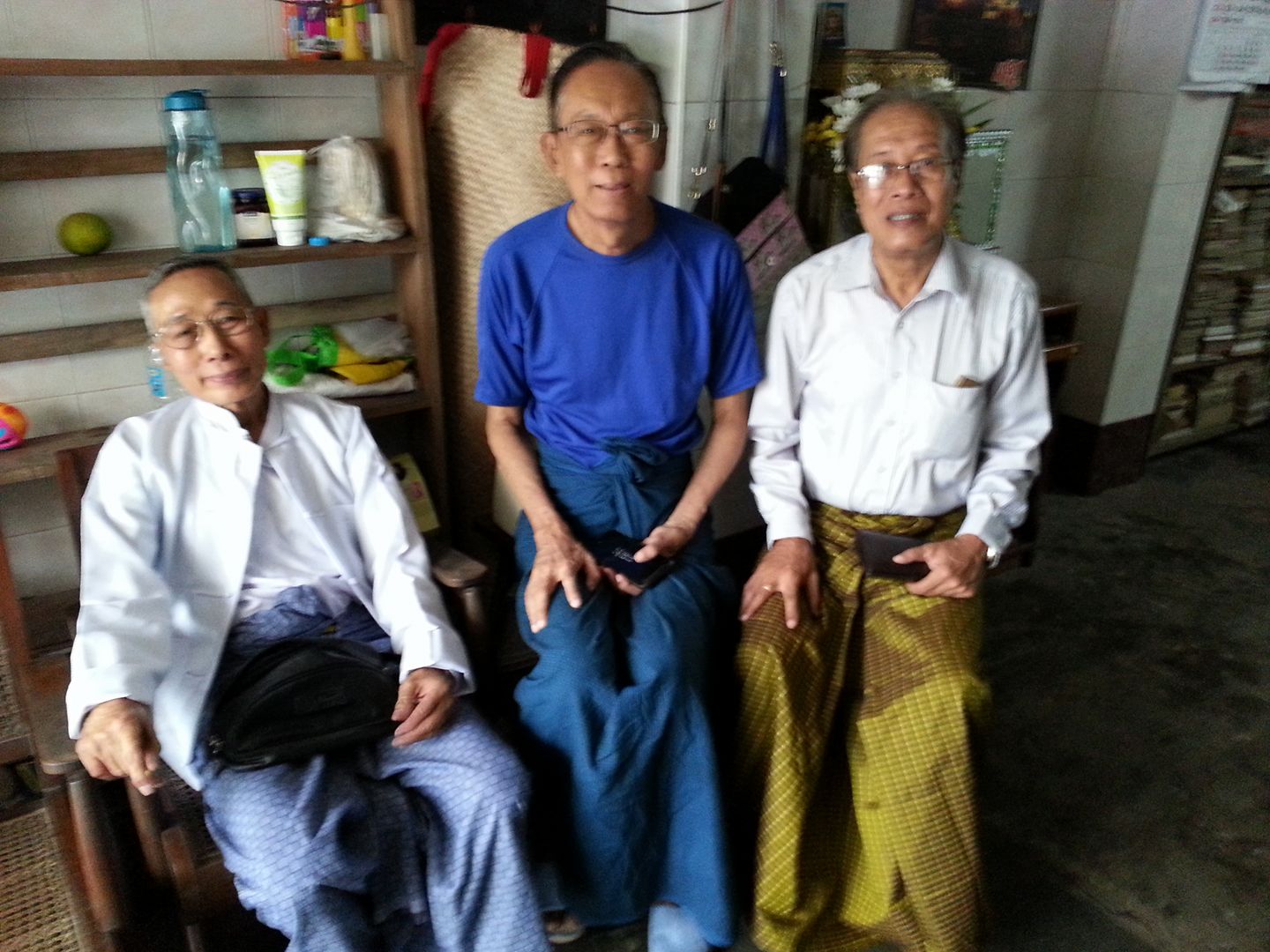
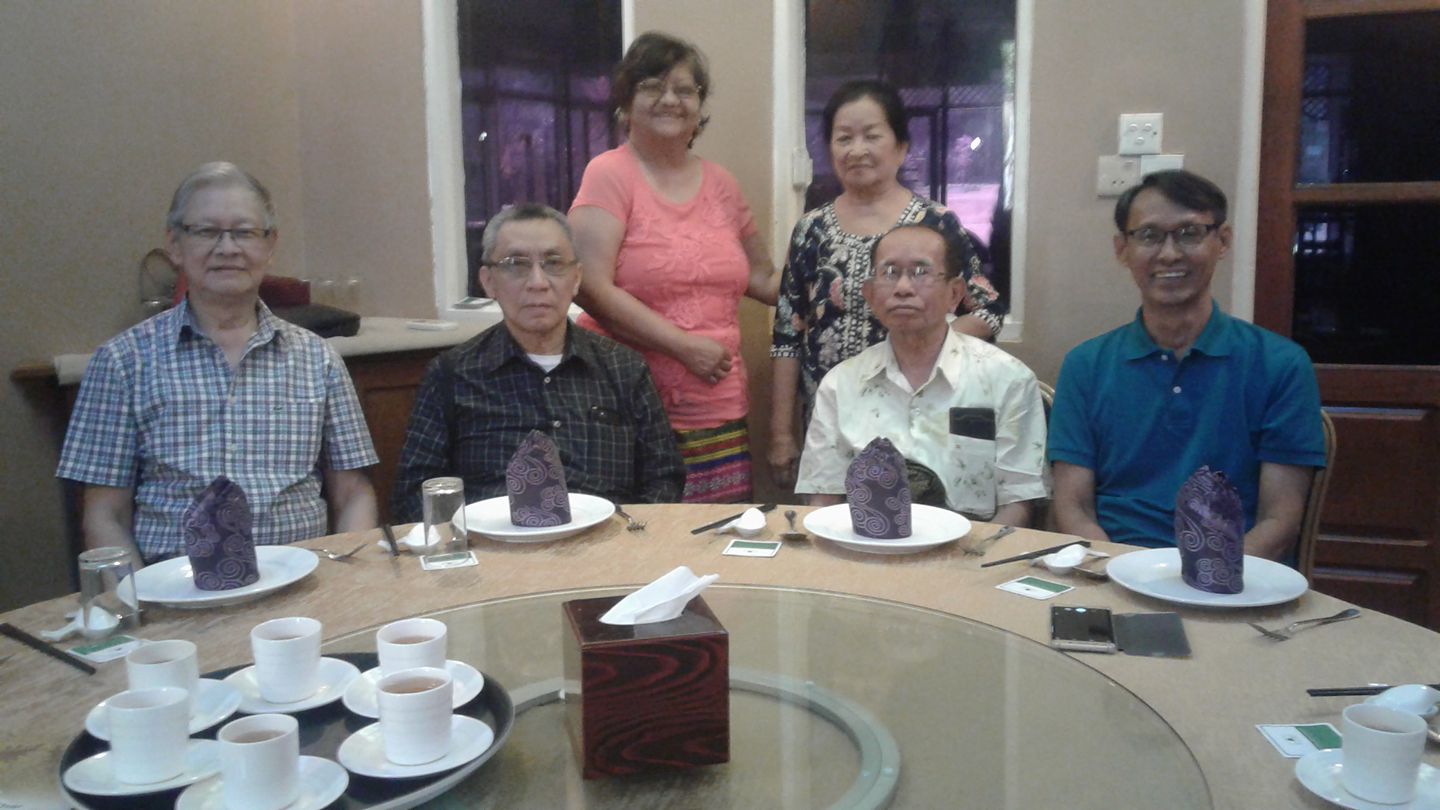
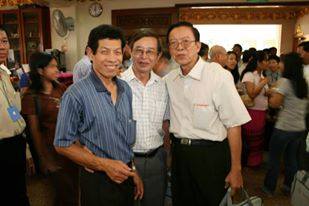
    Three 69ers

    U Shwe, U Tin Htut (Harry) and U Thein Swe (GBNF)

    Three EC Graduates

    U Soe Win, Charlie Tseng, U Hla Min

    Three RIT Alumni

    Dr. San Oo, WHO, Daw Than Yi

    Three UCC Ah Phwa Lay

    Daw Than Than Tint, Daw Tin Moe We, Daw Thida Kyi

    Three C70 Sayas

    U Aung, U Aye Win Kyaw (GBNF), Madan Chand (GBNF)

    Three Generation of Fathers

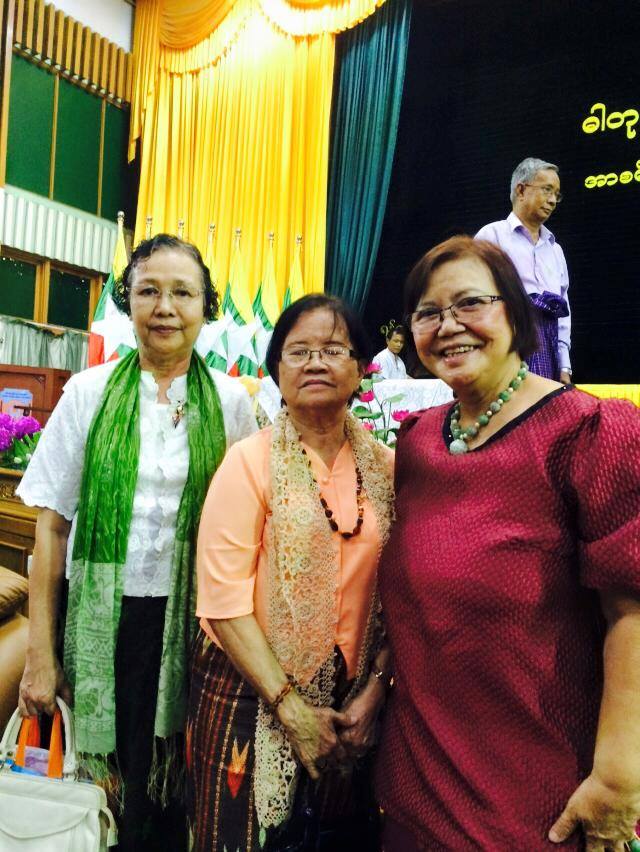
    Three ChE70 Sayamas

    Daw Tin May Soe, Daw Khin Swe Aye, Daw Tin Tin Myint

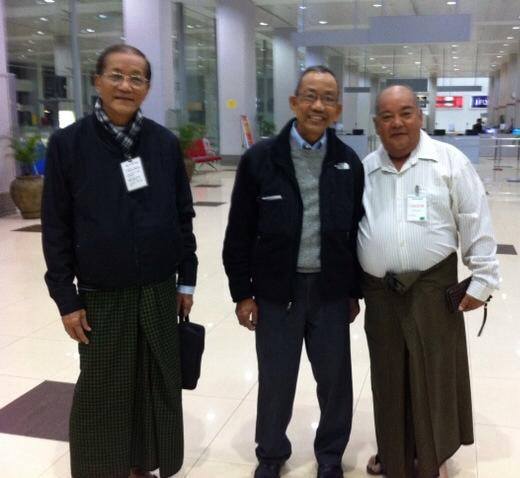
    Three Civil Alumni

    U Nyi Hla Nge, Dr. San Hla Aung, U Saw Lin (GBNF)

    Three UCC Ah Pho Lay

    U Maung Maung Gyi (GBNF), U Than Tun, U Maung Maung Lay (GBNF)

    Three RIT Myint

    U Hla Myint, U Myint Thein (GBNF), U Hla Myint Thein

    Three UCC Myint

    U Sein Myint, U Win Myint, U Soe Myint

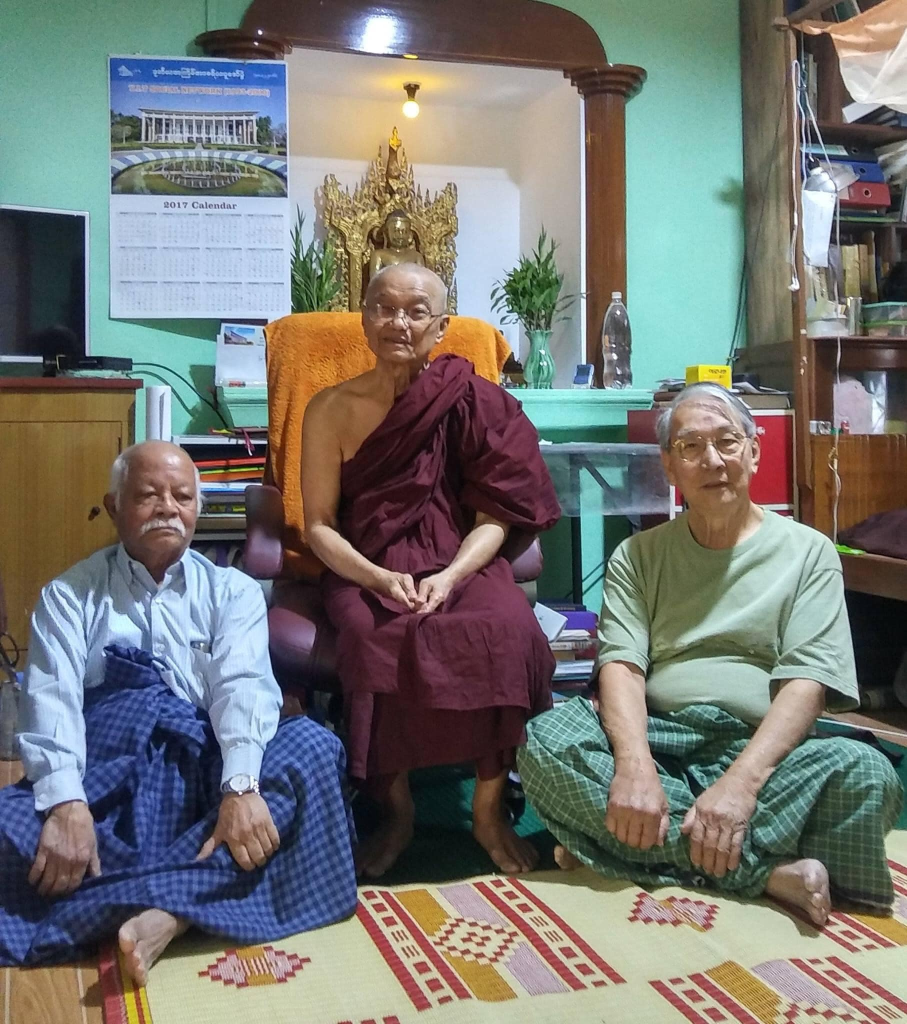
    Three Sayas at SPZP

    U Kyaw Sein (GBNF), U Moe Aung, U Ohn Maung (GBNF)
    U Aung Myint, U Moe Aung, U Kyaw Sein (GBNF)

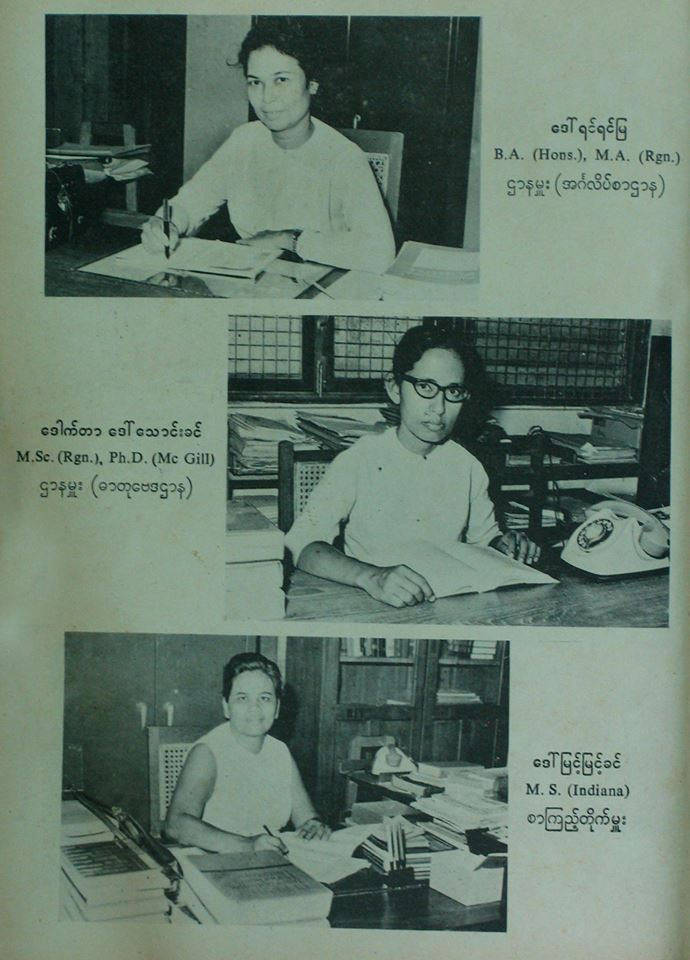
    Three Sayamas in 1964

    Three Senior Architects

    U Aung Kyee Myint, Dr. Lwin Aung, U Tin Htoon
  • Census

    Census

    by Hla Min

    Updated : May 2035

    Burma

    • The Colonial Administration compiled Population Census data at night. In Burmese, the data is called “Than Kaung Sar Yin” (list taken at midnight).
    • In the 1970s, UCC computer and machines were used to process the Population Census Data in Burma.

    USA

    • In the USA, the Population Census data is compiled every ten years as mandated by law, but the census data takers do not visit houses at midnight.
    • The data is collected not only from US citizens, but from anyone who happened to be in the US (e.g. working, studying) at the time.
    • The data is to used mainly for planning (e.g. restructuring of voting areas) and not for storing personal details.
    • The most recent Census data was taken in April 2020.
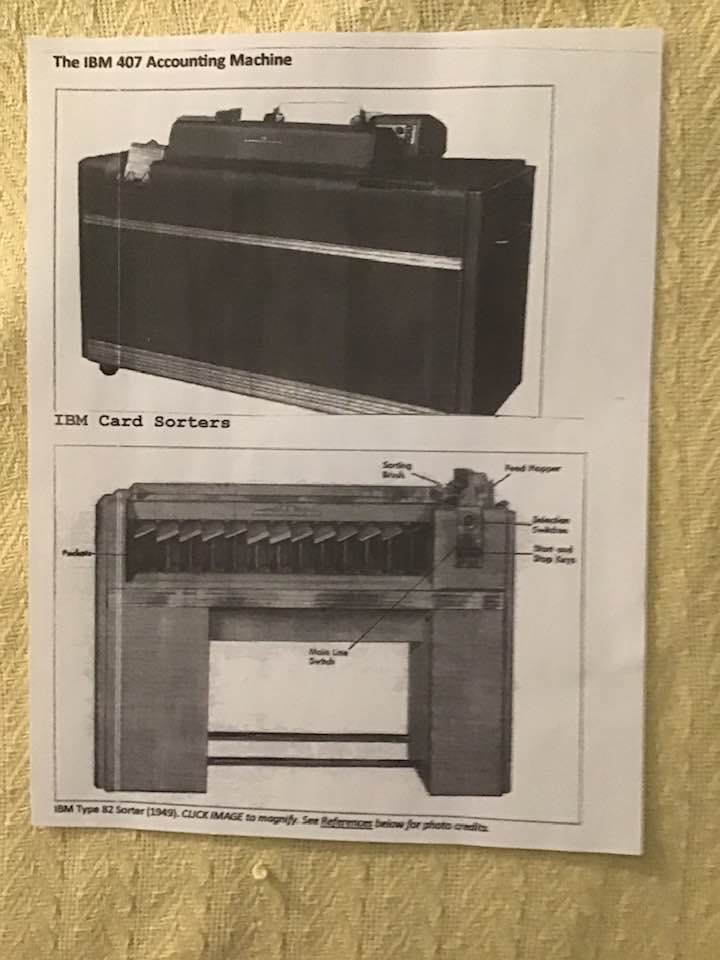
    • Herman Hollerith invented the electronic tabulator and punched card equipment for collecting and processing the 1890 US Census data. Hollerith founded a company, which later became International Business Machines (IBM).
    IBM 1
    IBM 2
    IBM 3
  • Devices

    Classification of devices and computers

    There are different ways to classify devices in general, and computers in particular.

    Analog, Digital or Hybrid

    An analog device is based on measurement or analogy. Examples :

    • Speedometer
    • Mercury thermometer
    • Slide rule
    • Differential analyzer

    A digital device is based on counting or computing. Examples :

    • Odometer
    • Electronic digital computer
    • Digital watch

    A hybrid device contains

    • Analog parts
    • Digital parts

    Converters

    • Analog to digital converter
    • Digital to analog converter

    Early Computers

    Several early computers have names ending with -AC (meaning Automatic Computer).
    Examples :

    • EDSAC
      Built by M V Wilkes and team at Cambridge University
    • EDVAC
      Designed by Eckert and Mauchly
    • UNIVAC
      Built by Eckert & Mauchly’s company
    • ILLIAC
      Built at University of Illinois
    • SWAC and SEAC
      Computers for Bureau of Standards

    There is no longer need for terms such as Automatic.

    Computer Generations

    One way to classify computers is by Generation.

    • Zero Generation :
      Predates the electronic computers
    • First Generation : uses Vacuum Tubes
    • Second Generation
      Uses Transistors
    • Third Generation
      Uses Integrated Circuits
    • There are extensions for Fourth and Fifth Generations

    Computer Types

    Another way to classify is

    • Micro computer
    • Mini computer
    • Mainframe
    • Super computer

    Other terms

    • Portable computer
    • Hand held computer
    • Desk top computer
    • Lap top computer
    • Network computer
    • Virtual machine

    History

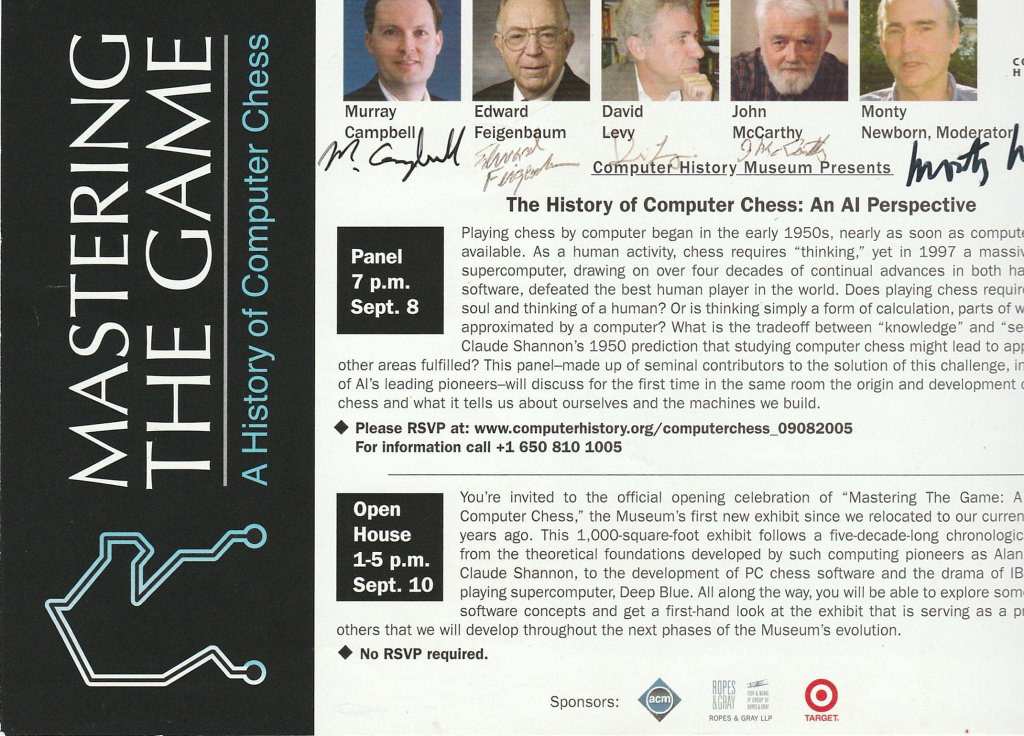
    • At the Computer History Museum, a visitor was showing his son the Cray-1 (Supercomputer of its time) costing $10+ million. The son asked, “How fast is Cray-1?” The father replied, “Your smart phone and your PC at home are much faster than Cray-1.”
    • We need to know the history and the context to appreciate the Prime Movers and Early Adopters for their contributions to Science and Technology.
    CHM
    Unit Record Machine
  • Arithmetic

    • In our younger days, we had to study Arithmetic.
    • Reading, (W)riting and (A)rithmetic were the Three R’s.
    • Burmese version is Ah Thone Lone (for Ah Phut, Ah Yay and Ah Twet.
    • Had to study some subjects in English and Burmese.

    Texts

    • Our elders used the textbook by Workman.
    • We use the book by U Pann Yi (who adapted/translated Workman’s book).

    Rapid Mental Calculation

    • During our younger days, there was an Indian lady who could do large calculations in her head.
    • There was Trachtenberg’s method of rapid mental calculation.
      To keep his sanity in a prison, Tratchenberg developed a method to perform arithmetic operations quickly.

    Short cuts

    • Before the advent of calculators and computers, it was advantageous to learn some short cuts.
    • (a) To find the square of a number ending in five.
    • 115 x 115 = (11 x 12) x 100 + 25 = 13225.
    • It can be done easily in the head.
    • It follows from Algebra.
    • (10a + 5) (10a + 5) = 100a^2 + 100a + 25 = 100a(a+1) + 25
    • (b) use “Casting out the nines” to check if multiplication is correct.
    • It follows from “Modulo Arithmetic”.
    • A number, which is a power of 10, when divided by 9 gives a remainder of 1.

    Abacus

    Some use abacus. There are several variations.

    (a) Most abacus has two sets of bead :
    Two beads (with a weight of 5)
    Five beads (with a weight of 1)
    (b) Some use less beads :
    One bead (with a weight of 5)
    Four beads (with a weight of 1)
    (c) Currently, some after-school classes in the USA teach abacus

    Computational Aids

    Mechanical, electro-mechanical and electronic calculators became computational aids. The early calculators were beaten by a proficient abacus user.

    Computers, PCs and smart devices are ubiquitous.

  • Google

    Google is a deliberate misspelling of Googol (1E100, or 1 followed by 100 zeros).

    It is not the first search engine, but it leveraged the power of multiple processors, “Page ranking”, translation, …

    Several books have been written about Google, GooglePlex, and the various products not only through R&D but also through logistic M&A.

    Google bought Android and made it open source. Android-based mobile devices are ubiquitous. It is also noted that Google was able to fend off a lawsuit for “copyright violation of Java”.

    Google is an active sponsor of ACM and CHM (Computer History Museum). It held company meetings and exhibits (the recent ones being “Google Street Maps” and “Autonomous Vehicles”.

    Vint Cerf, Past ACM President, is a co-founder of TCP/IP and the Internet Evangelist at Google.

    Google had a few “hits” when it tried to scan books, journals, and documents to make it available.

    Per Professor Luc’s remarks, Googlers thinks outside the box and have passion. They not only think, but also enjoy thinking.

  • Character Codes

    A character in a specified language can be coded as a string of bits (binary digits).

    In the early days, English was the primary language used for communications in most parts of the world. The English alphabet consists of 26 letters. 5-bits (which can represent 32 symbols) are need to represent (a) upper case characters (b) lower case characters.

    5-bit, 6-bit, 7-bit and 8-bit character codes were developed and used. Some early standards include (a) 7-bit ASCII (American Standard Code for Information Interchange) (b) 8-bit EBCDIC (Extended Binary Coded Decimal Interchange Code).

    With the wide spread use of computer technology, Character sets for the various languages were developed. Some languages (notably Chinese) require long bit strings.

    Fixed length coding gave way to Variable length coding. The most used characters in a language are represented as one byte and the lesser used characters are represented as two or more bytes.

    Unicode aims to have standard character codes for the languages. There are formal and informal institutions to help develop, propose and approve new Unicode character sets.

    UTF is a Unicode Transformation Format to transform Unicode characters to fit the specified length (e.g. UTF-8, UTF-16).

    Standards may be (a) De Jure (set by law) (b) De Facto (set by common usage). Standards must be followed for Compliance.

    Recommendations, which should be followed, can cause variations in the implementations.

  • Model

    A Physical Model is usually a scaled down version of a real-life entity.

    In our younger days, some schools and universities had Aero-modeling clubs.
    Ko Eddie (Edward Teoh, M64) helped run the Aero-modeling club.

    A Mathematical Model is a representation of an idea, concept, theory using Mathematics.
    It could be a simple equation (e.g. F = ma), a system of equations (linear, non-linear, differential, partial differential, …) or much more.

    A Computational Model leverages the power of computers.

    Many traditional subjects now have Computational aspect (or branch).
    Example : Computational Biology

    Models include

    • Probabilistic Model
    • Stochastic Model
    • Simulation Model (e.g. Discrete Event Simulation)
    • Neural Networks
    • Econometric Model
    My mentor Dr. Chit Swe (UCC Founder)
  • IP

    Intellectual Property

    • I treasure Intellectual Property (IP).
    • I also try to follow the “Fair use“.
    • Wherever possible, I have credited the source of news, the owner of photos, etc.
    • I try not to re-post copy righted artifacts.
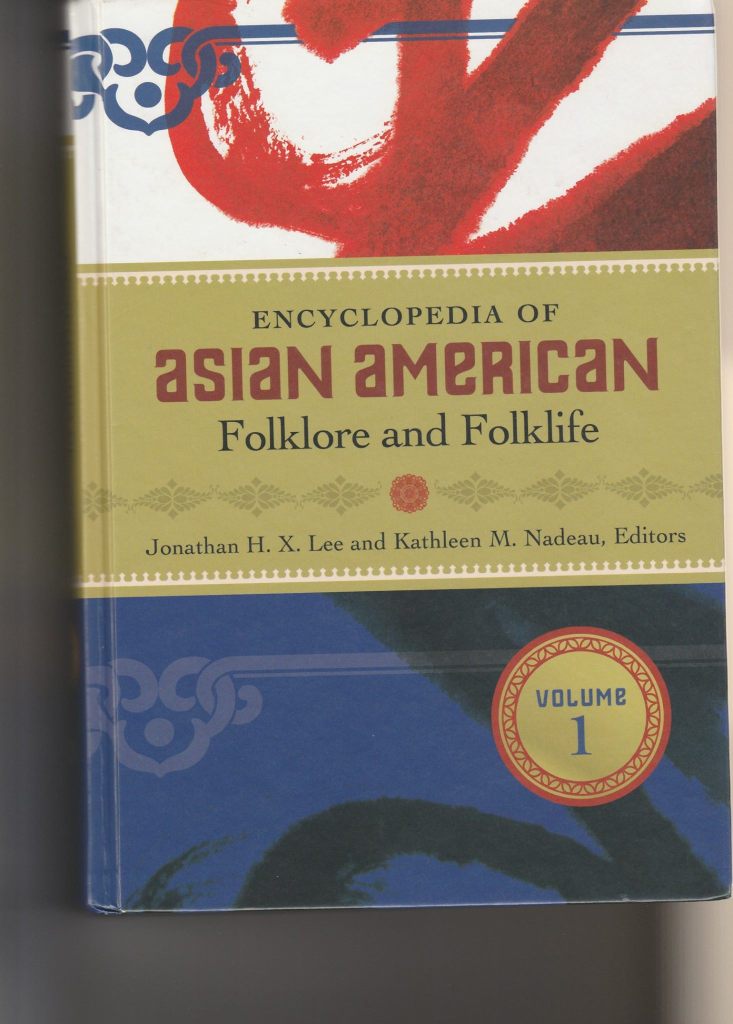
    Encyclopedia

    Internet Protocol

    • Usually used in conjunction with TCP (Transmission Control Protocol)
      in TCP/IP
  • FB

    FB has advantages and disadvantages.

    Advantages

    • See old postings as Memories.
    • Provides opportunities to get back in touch with old friends.
    • Share knowledge and experience with others.

    Disadvantages

    FB does not remove “wrong” tags in photos.
    It does not provide “untag photo”.
    A mistake by a FB user gets propagated.

    FB has its own algorithms to display the pages.
    If you like a post, save it; otherwise, you might not be able to find it easily again.

    Sometimes, FB might not be able to close sessions properly.
    You might have to “log out” those open sessions.

    Feedback by Khin Maung Zaw

    They are not very high on content synchronization.
    If you keep hitting “home”, you would see the contents change drastically.

    (It is probable the request hit a different server, most of these gargantuan sites have many geo-locations with hundreds of front end servers on each locations).

    Understandably, the nature of the app itself doesn’t need to be up to the second synchronized. It’s very expensive feature and needs specialized service providers to accomplish it.

    The down side is that it is hard at times to back trace the previous page/content once you page forward or so.

    Well, beggars can’t choose, I presume.